Navixa — Smart, Affordable, Professional GPS Vehicle Tracking in Zambia for Fleets, Families and Businesses
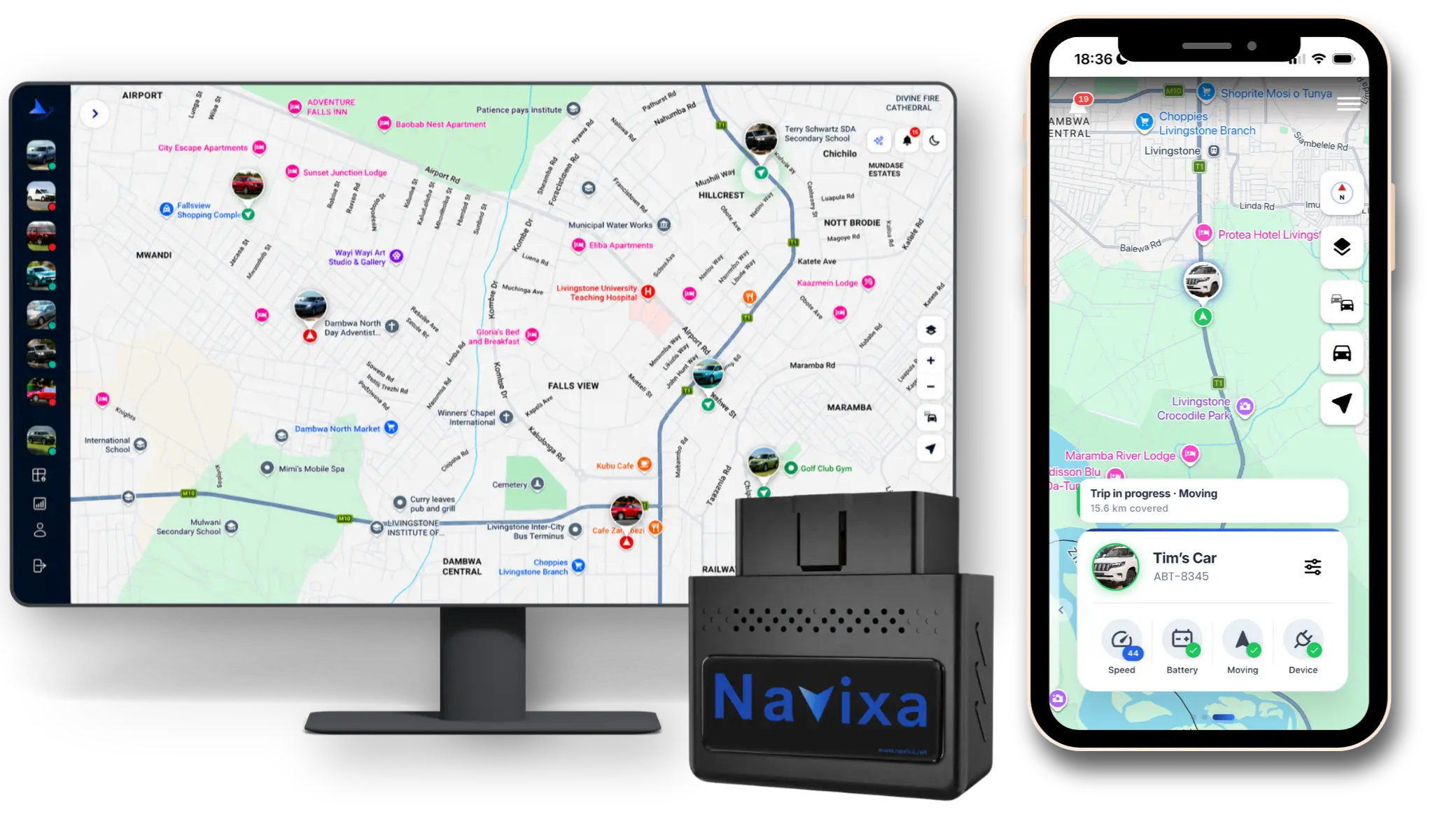
Navixa is Zambia’s smart and affordable GPS vehicle tracking platform. Track your car, truck, or fleet live across Lusaka, Ndola, Kitwe, Livingstone, Solwezi, Kabwe, Chingola and the rest of Zambia. Plug-and-play OBD GPS device, live map, trip history, geozones, curfew, impact alerts and driver behavior — built for families, car owners, small businesses and professional fleets.

See your
vehicles, always.
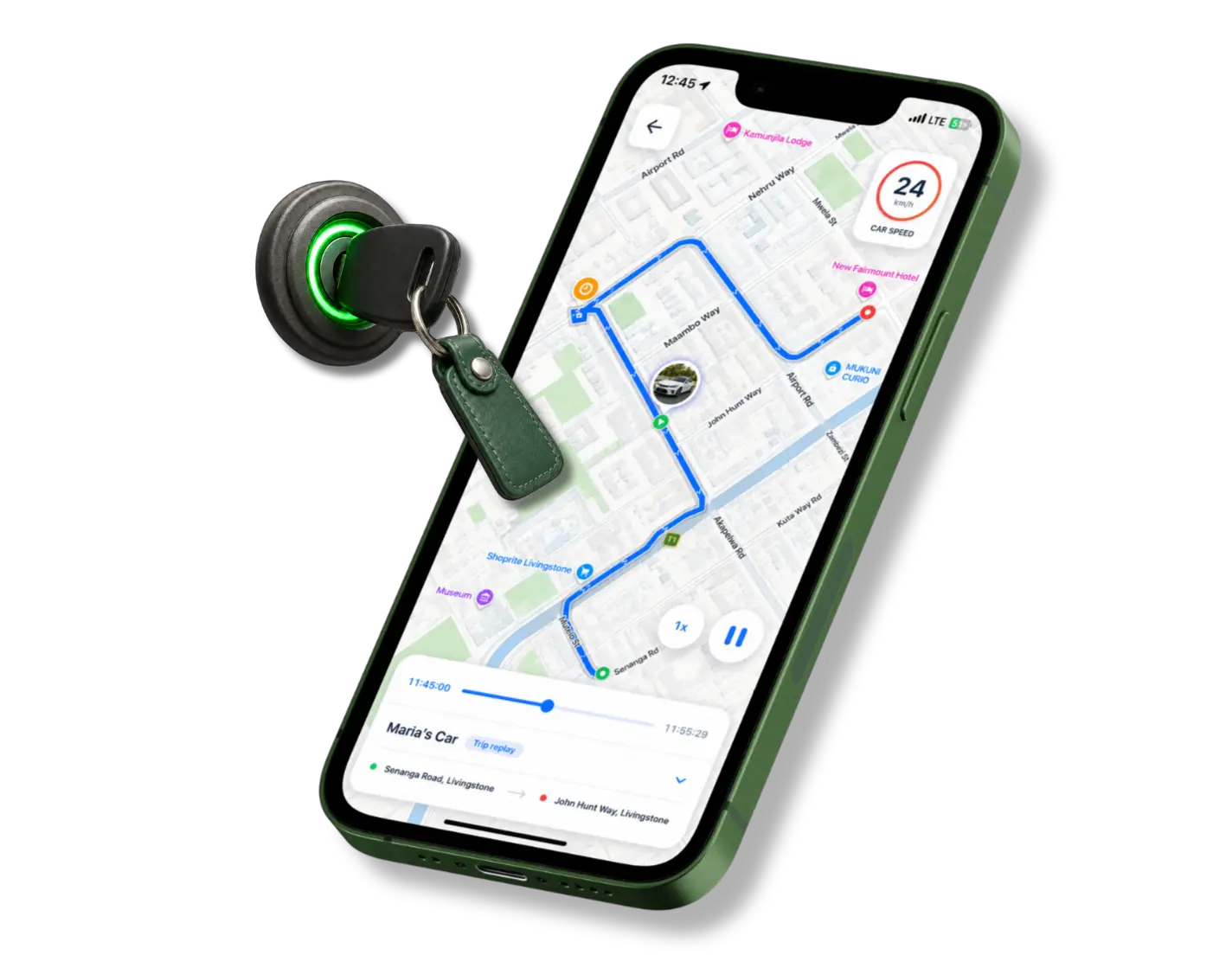
Watch each trip
play back on the map.
Replay any trip with play, pause, and speed controls
as the marker follows the route.
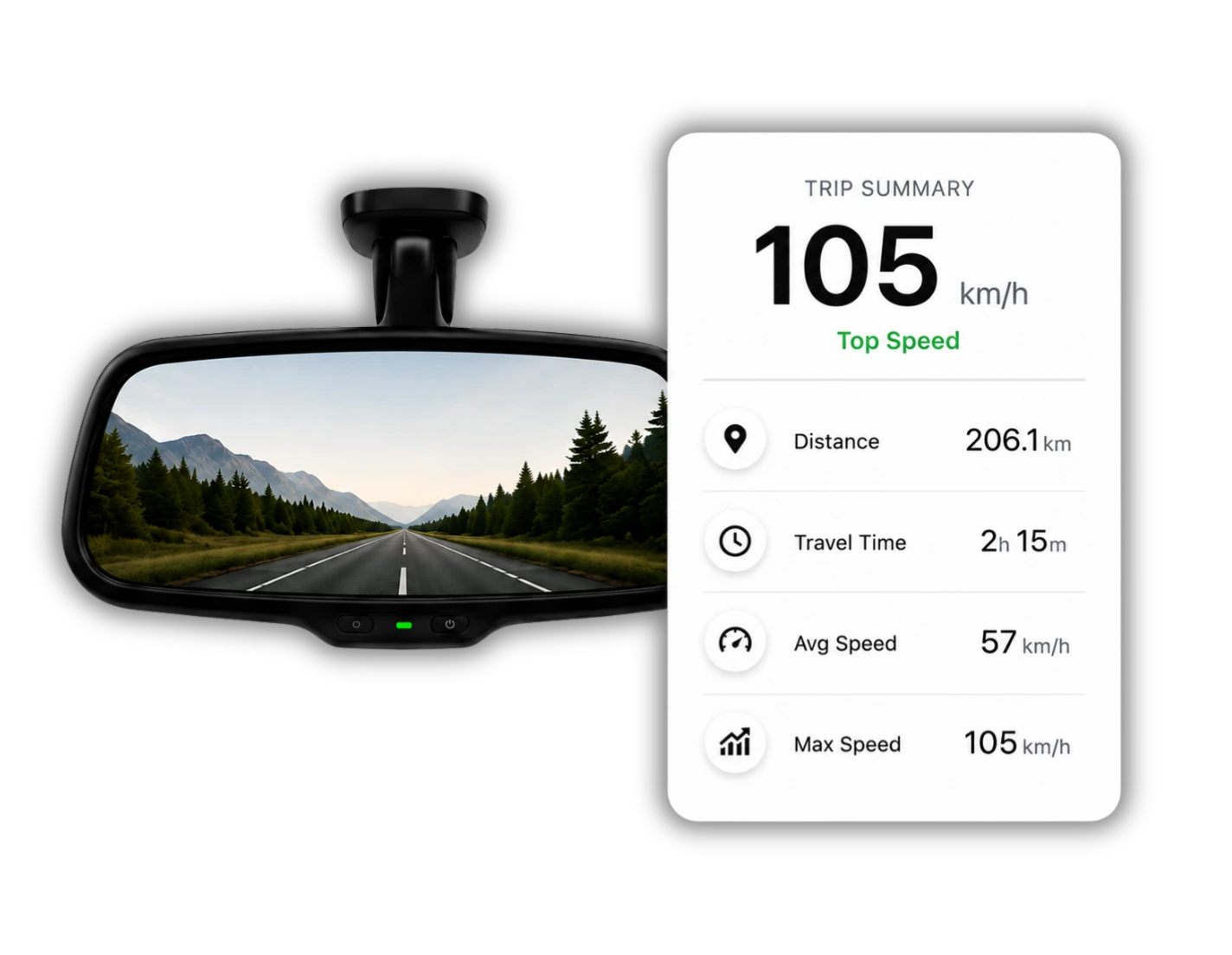
Every journey,
measured with precision.
After each trip, see the numbers that really matter
on every route you take.
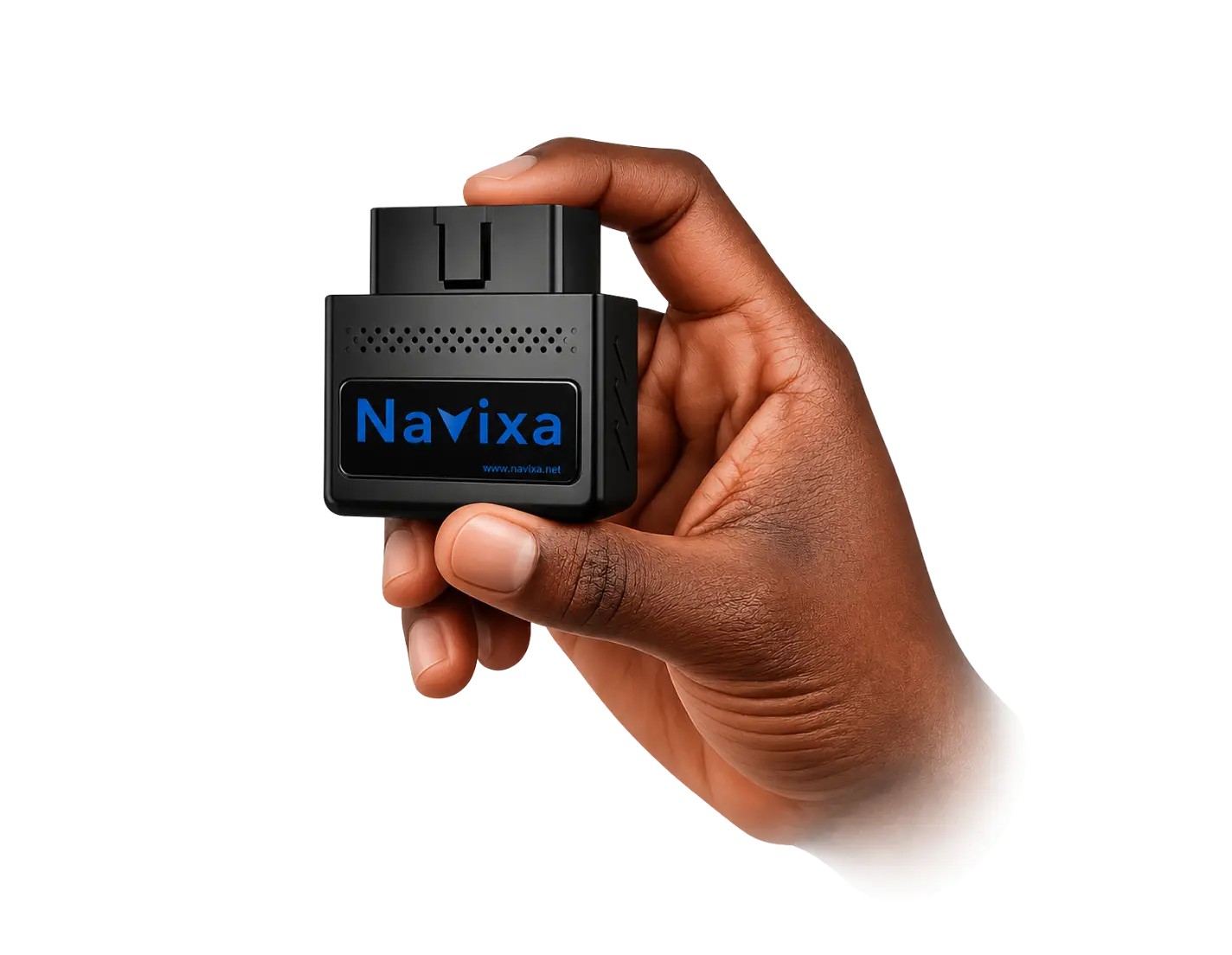
No extra wires.
Plug in and go.
Plugs into the OBD port under your dashboard
on every 1996+ vehicle.
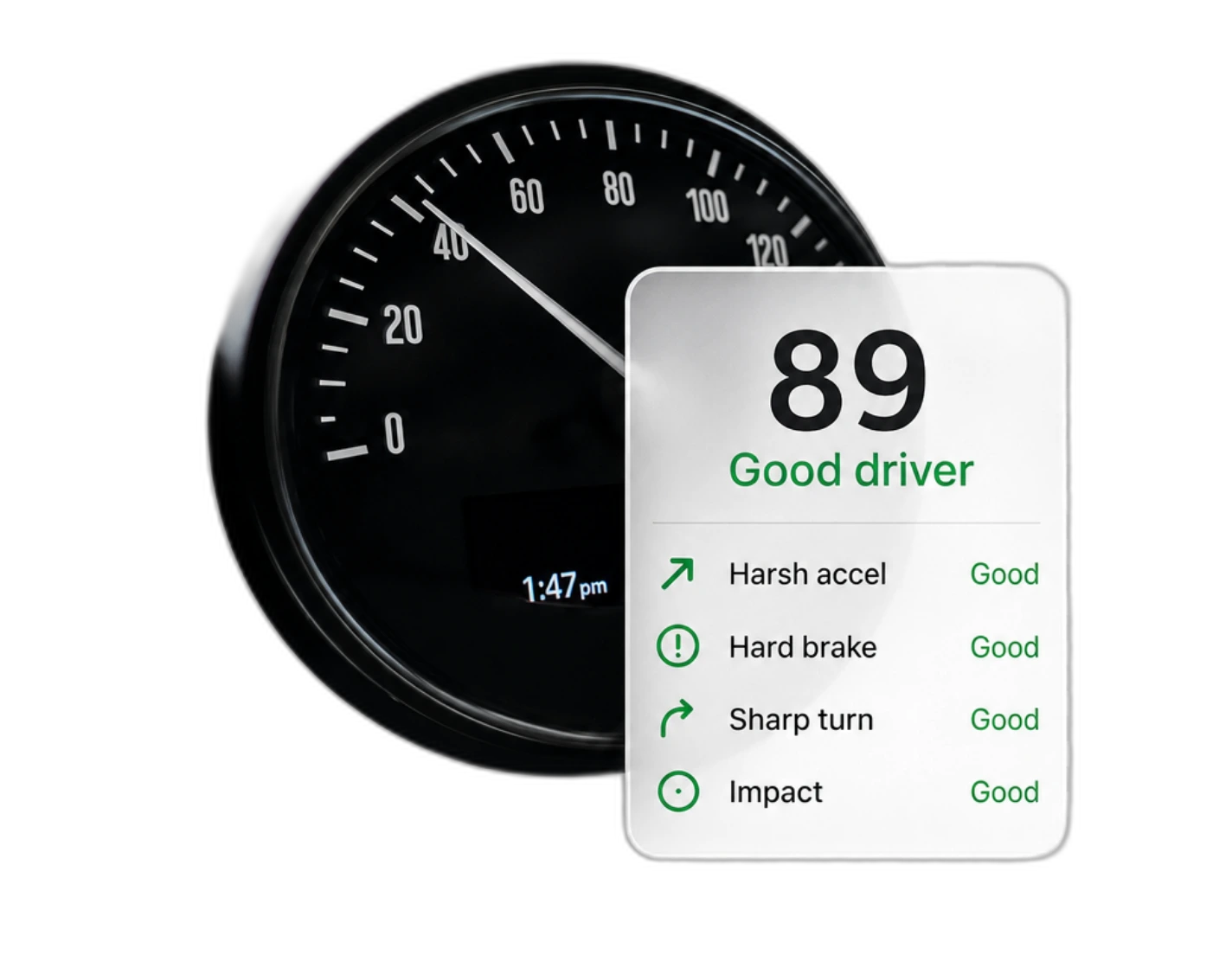
A clear score and the
events behind it.
See a clear driving score and the key moments
behind every trip you take.
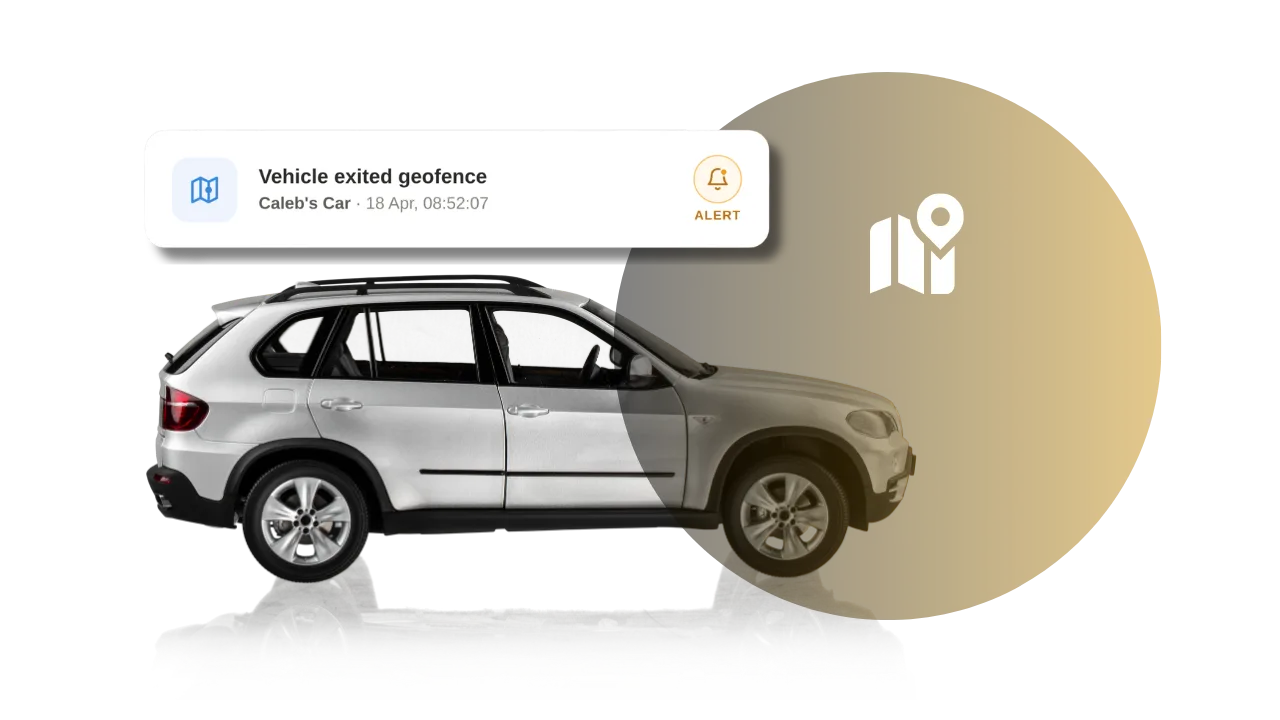
Mark key places.
Know arrivals and exits.
Mark home, work, or school and get alerts
when a vehicle enters or leaves.
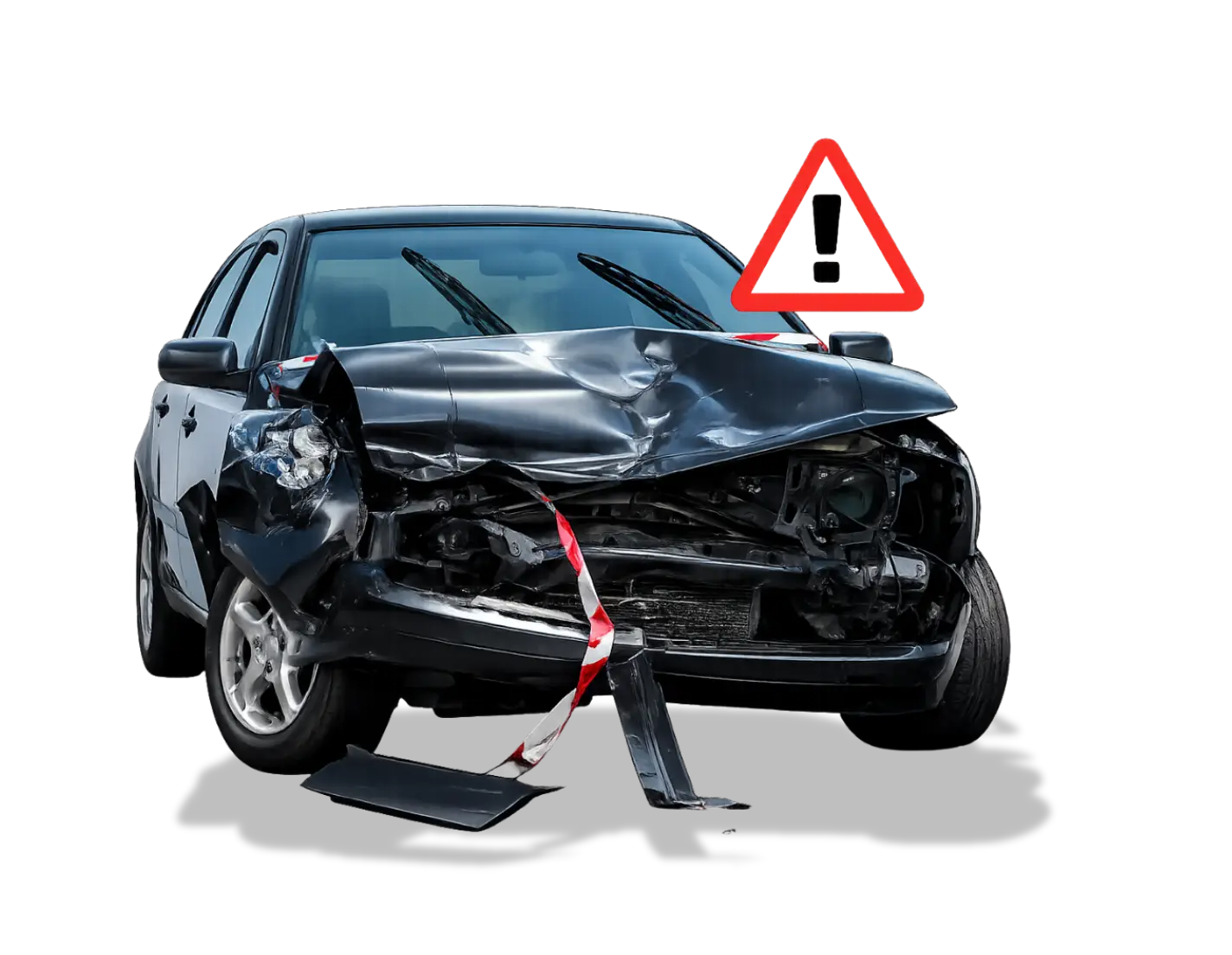
Serious event? Navixa alerts you instantly.
Get a clear alert when a severe impact is detected
so you can respond fast.
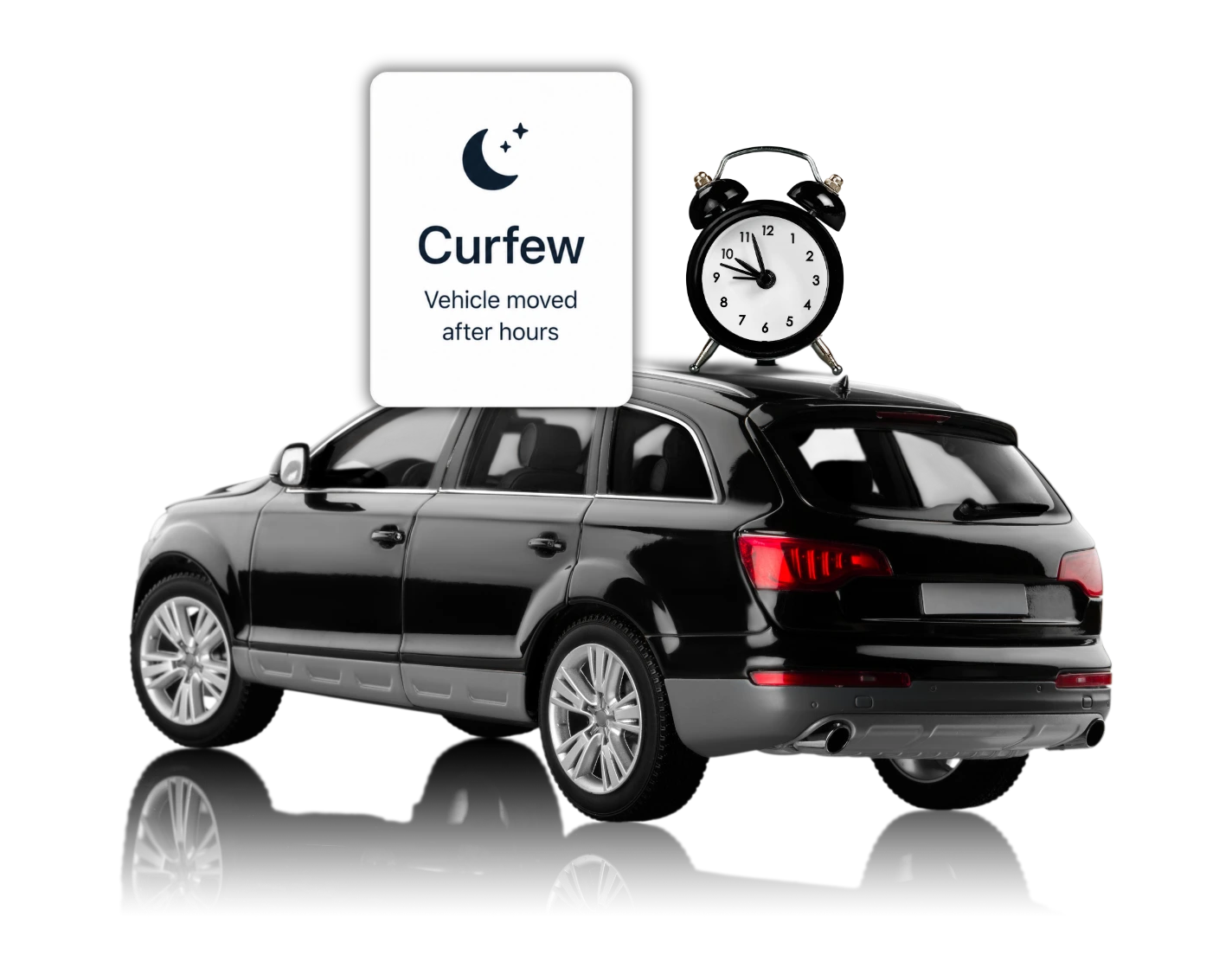
Set stay hours. Get alerted if the car moves.
Set stay hours and get alerted if the vehicle moves
when it should stay parked.


How it works
Three steps. You’re tracking.
- Step 01
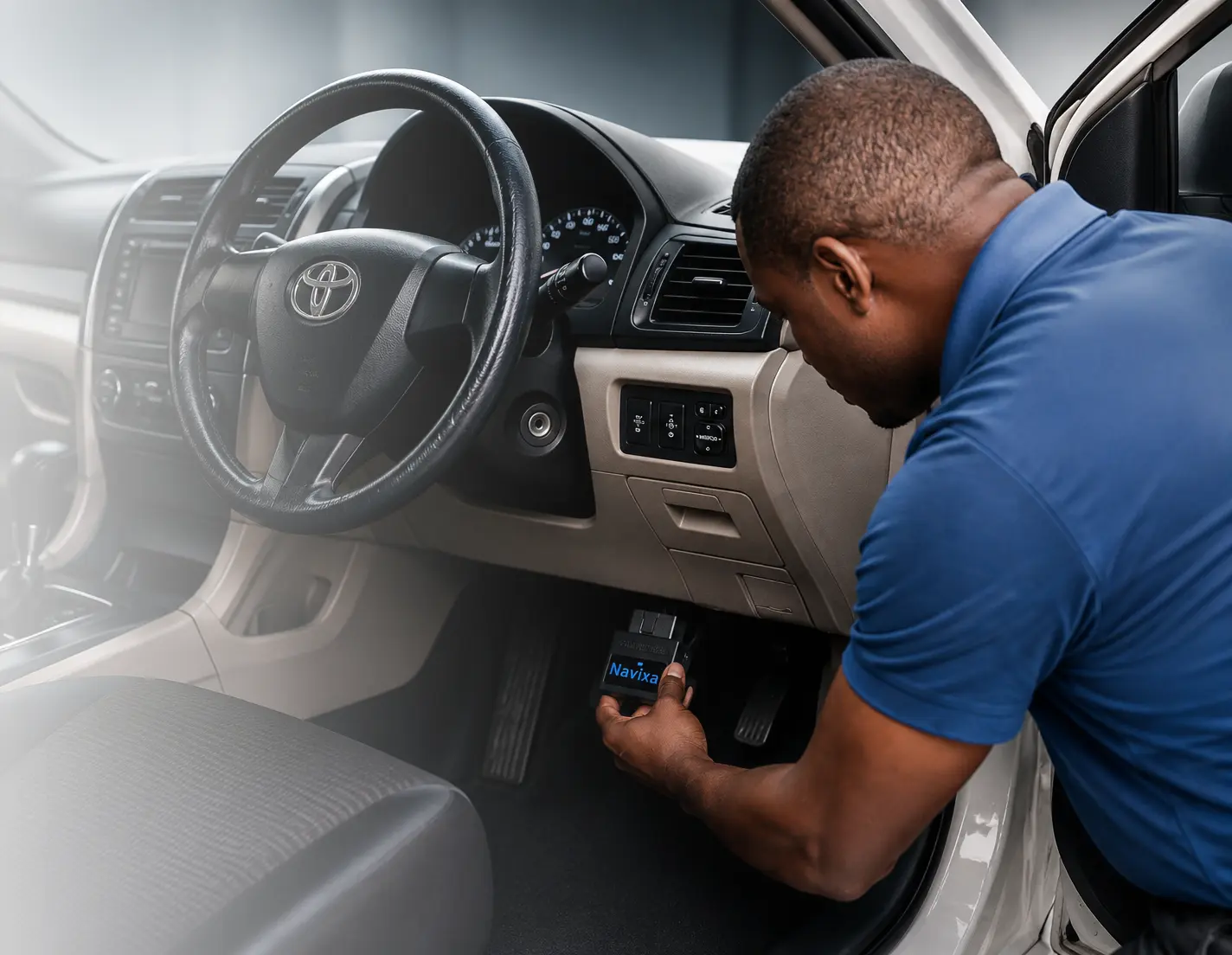
Plug the device into the car.
Insert the tracker into the OBD port. No tools. No wiring.
- Step 02
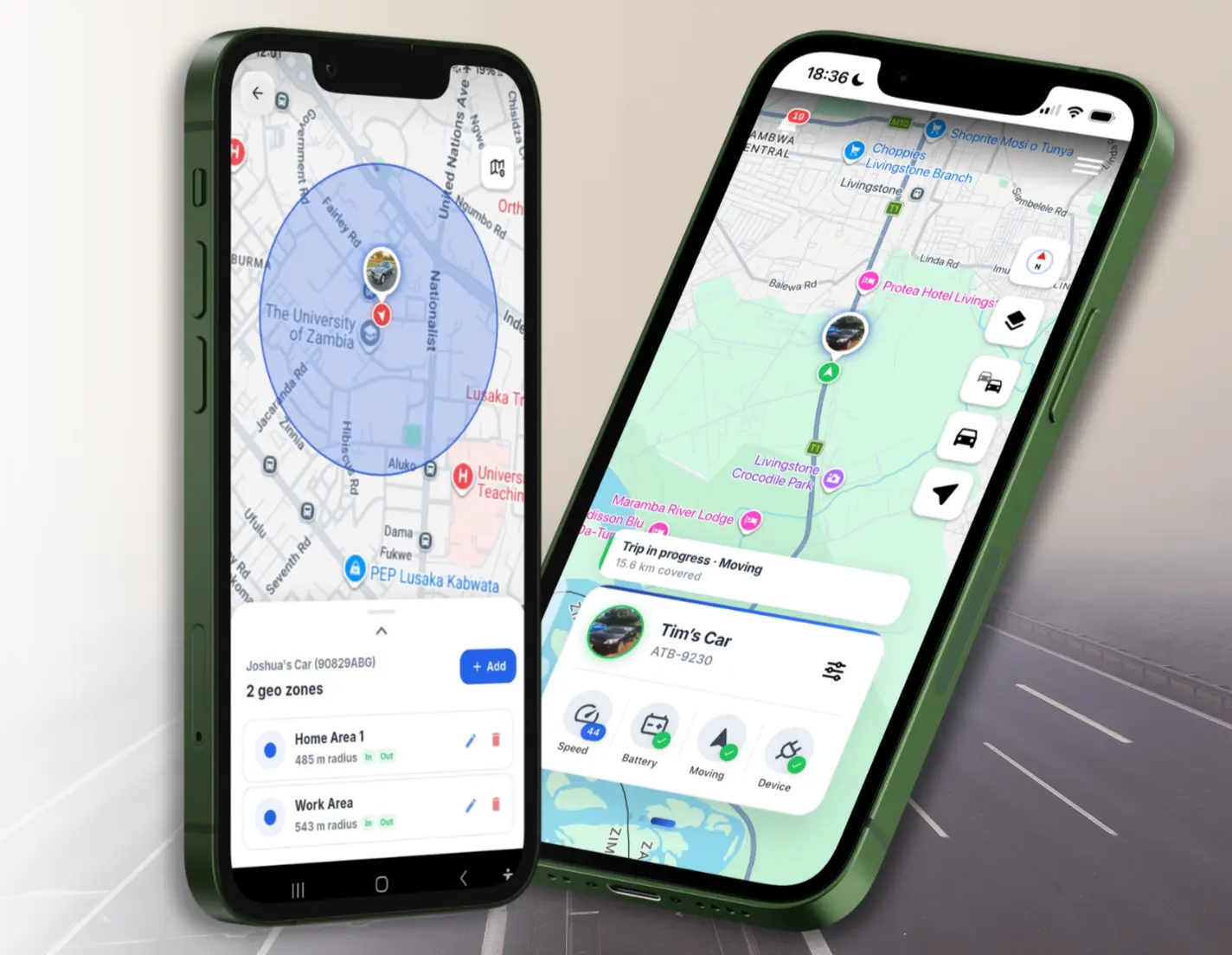
Download the Navixa app.
Sign up in minutes and link your vehicle.
- Step 03
Start driving. You’re tracking.
Live map, trips, and alerts from day one.