
You don’t need a fleet to care where a car is.
One family car can carry a teenager with a new licence, a parent who still drives, or the school run and the weekend trip. Phone calls still help. They don’t tell you if the car is still at home, still at school, or already on the road.
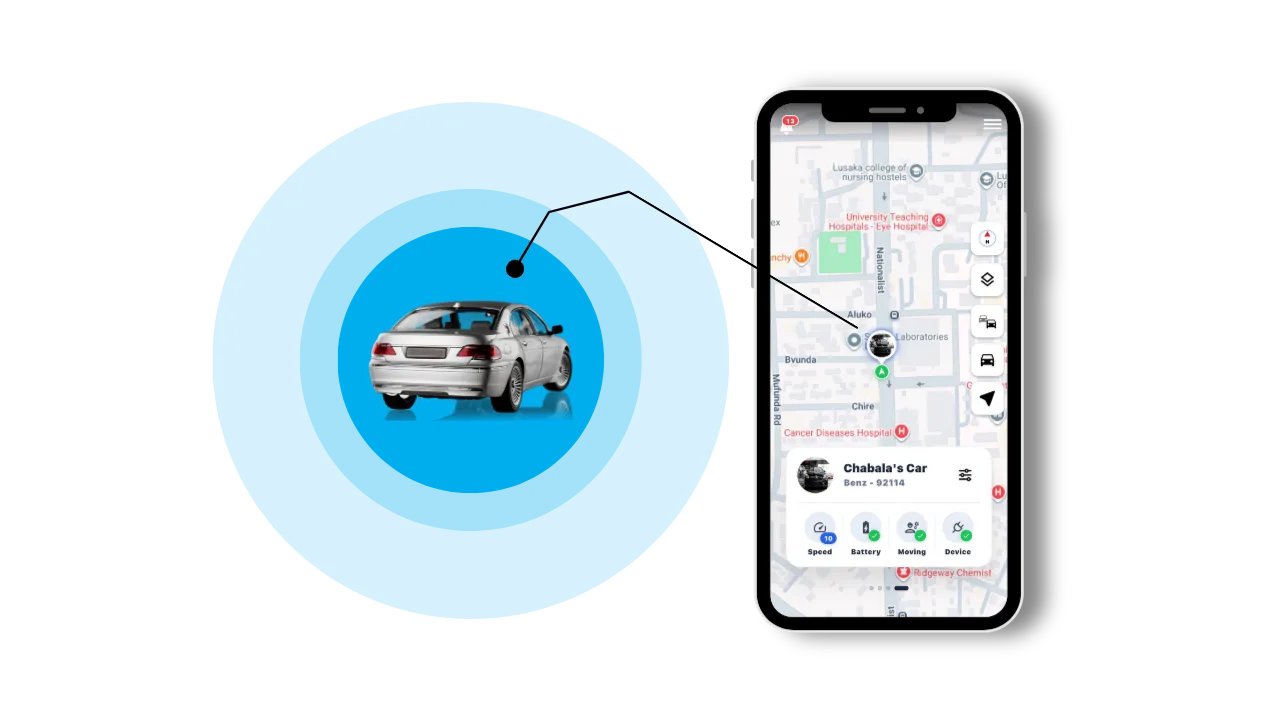
Family tracking with Navixa uses the same plug-in OBD2 tracker as a business fleet, with a quieter purpose: peace of mind. Plug it in, open the app, and keep a calm view of the vehicle the people you love depend on.
See the family car.
Get on with your evening.
When someone is late, guessing is tiring. Navixa shows the reported location of the family car on a map so you can check whether they are still at school, still in town, or already on the way home.
Use it as awareness, not as a way to watch every minute. Agree as a family that the tracker is there for safety. Then the map becomes a shared tool, not a surprise.
A new licence.
Clearer journeys.
A teenager who has just learned to drive needs space to practise, and a family that still wants to know they arrived. Trip replay lets you look back at the route, the stops, and the speed. Then talk about what happened with the facts in front of you.
Overspeeding and harsh driving events are useful when they form a pattern. One hard brake may have been the right response to a taxi pulling out. Repeated events are a reason for a calm conversation, not an argument from a distance.
Use the journey to start a conversation.
Use the pattern to agree a safer habit.
Start with the first month.
Agree stay hours, a speed you are comfortable with, and one or two places that matter, like home and school. Review unusual trips together, not in public.
Mark home.
Know when the car leaves.
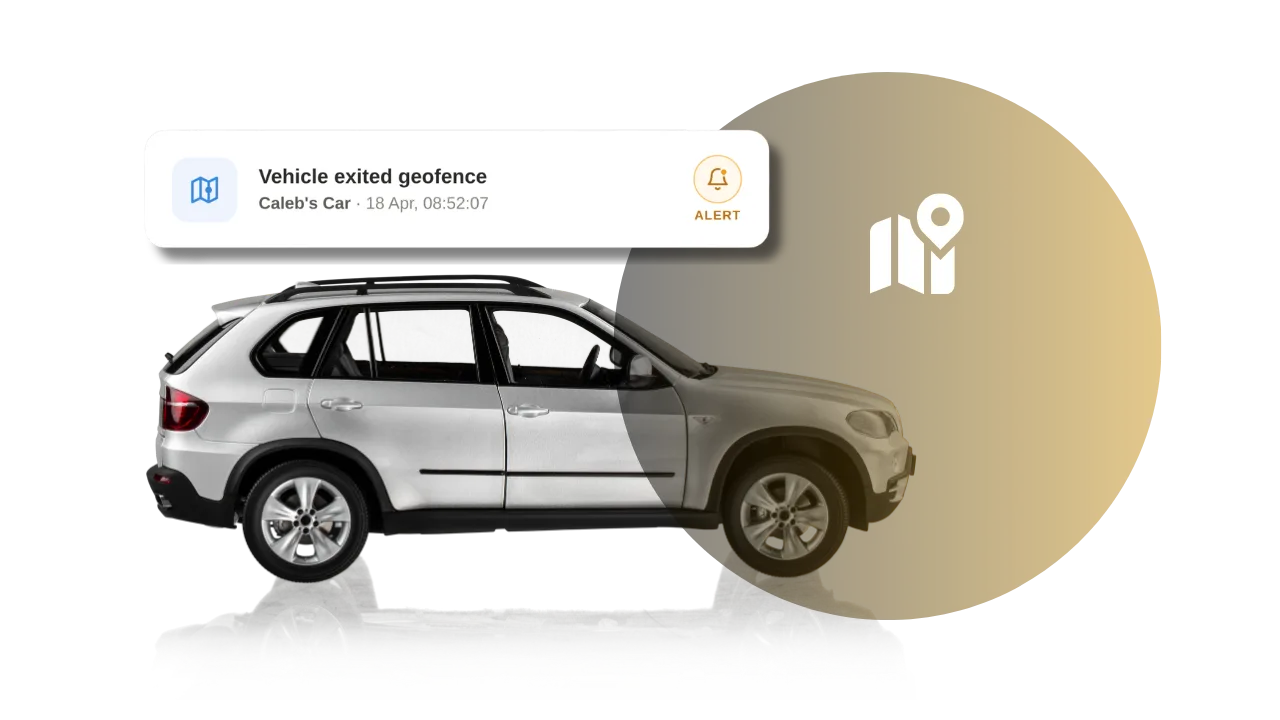
Geozones let you mark the places that matter: home, school, church, a parent’s house, or the part of town they should stay in. You get an alert when the vehicle enters or leaves.
Stay hours are for the other half of that peace of mind: when the car should remain parked. If a parent is home for the night, or a new driver is expected to stay in, you are told if the vehicle moves.
This helps with elderly parents as much as with teenagers. It is not about control. It is about knowing they are where they said they would be, and acting quickly if they are not.
The car itself
needs looking after.
A family car that will not start is a safety problem, not only an inconvenience. Navixa helps bring these moments to your attention:
Low vehicle battery
An early warning to check the battery before the next school run or clinic visit.
Tracker unplugged
Know when the device is disconnected, so you can follow up quickly.
Safe-place activity
See when the car enters or leaves home, school, or another place you have marked.
Stay hours
Get alerted if the vehicle moves when it should stay parked.
If a serious impact is detected, you are told so you can respond. Alerts support a next step. They do not replace a phone call, a neighbour, or the police.
Plug in.
Move it if you need to.
Navixa uses a plug-in OBD2 tracking device. No tools, no wiring, and no installer: it fits under the dashboard on compatible 1996+ vehicles. Check compatibility before you order.
Because there are no wires, you can move the tracker from one family car to another when plans change. Move it to a second vehicle for a trip, or keep a quieter setup if you prefer the device out of sight. Use that discretion as a family decision, not as a secret.
- 1
Choose a package for the family car.
Review the current device and subscription options for one vehicle, or more if you need them.
- 2
Plug in and set up.
Connect the tracker to the OBD2 port and follow the setup instructions in the app.
- 3
Make it part of ordinary family life.
Name the car, mark home, set stay hours, then review journeys when something needs a closer look.
The aim is simple: fewer unanswered questions about the family car, clearer agreements at home, and a calmer picture of the vehicle that keeps your family moving.