
You don’t need a hundred vehicles to have a fleet.
Three delivery vans. Five sales cars. A handful of vehicles travelling between job sites. Once several drivers are out on the road, keeping track through phone calls alone becomes difficult.
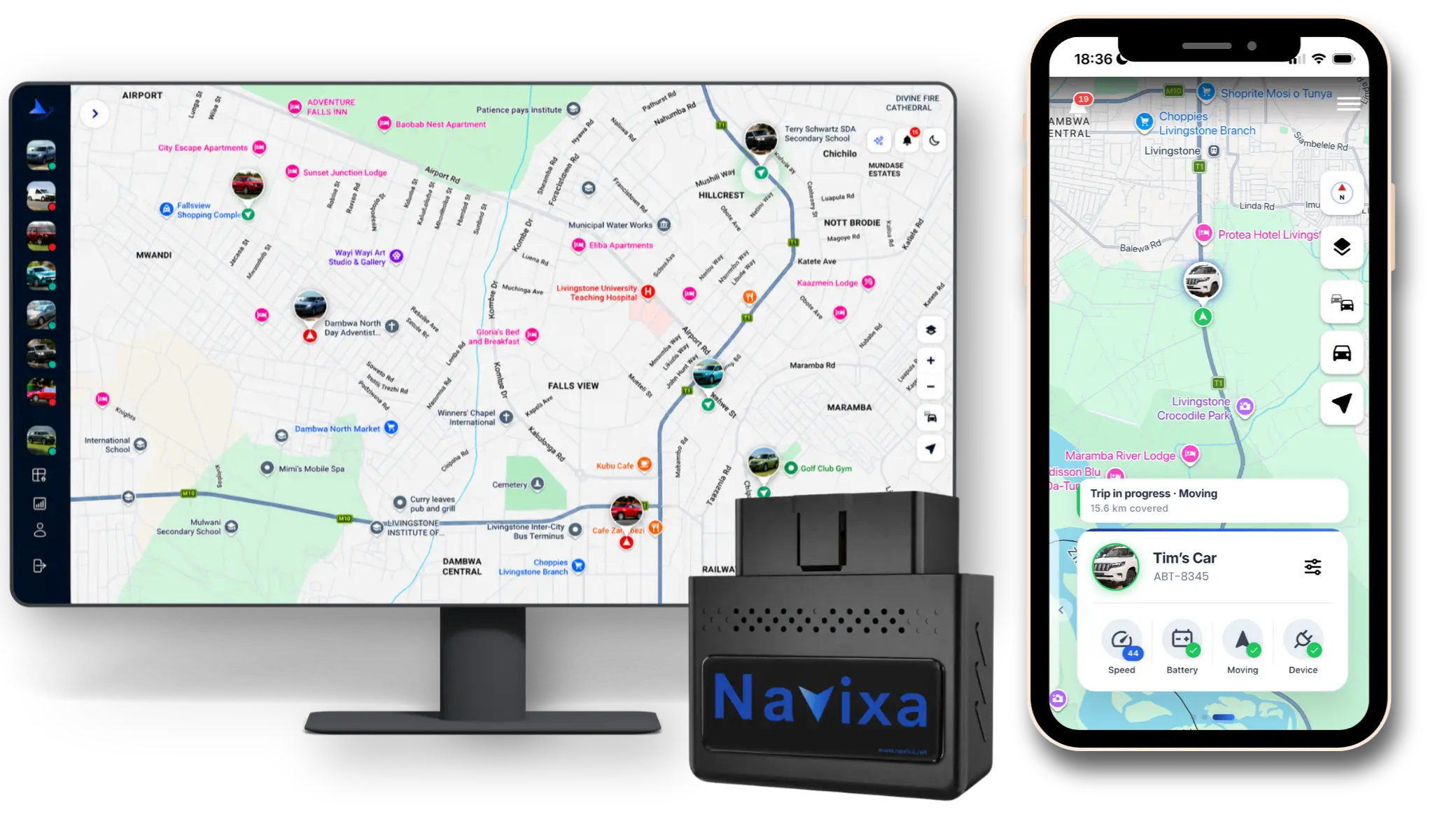
Fleet tracking gives a Zambian business owner a shared view of those vehicles. With Navixa, a compatible vehicle’s OBD2 port is the starting point: plug in the tracker, set it up, and use the app to see what’s happening.
See the whole fleet.
Get on with your day.
When a customer asks where their delivery is, you need something more useful than “let me call the driver.” Navixa brings your vehicles together on a map so you can check their reported locations and understand where your team is working.
For deliveries, service visits or daily operations, that visibility helps you coordinate the next job and follow up on unexpected movement. Check the latest update and connection status when reviewing a vehicle’s position.
Make every
kilometre count.
A vehicle can be busy without every journey being necessary. Trip replay helps you look back at the route taken, investigate a detour, and compare what happened with the work that was planned.
Daily, weekly and monthly mileage gives you another way to spot patterns. If one vehicle regularly travels farther on similar work, review its trips with the driver. There may be a customer request, a road closure, a planning problem or an unauthorised journey to address.
Start with one week.
Compare each vehicle’s mileage with its assigned jobs. Replay unusual journeys, discuss the reason with the driver, and agree on one improvement for the following week.
Reducing unnecessary kilometres can help reduce fuel spending. Tracking supports that decision; it doesn’t automatically deliver a fixed saving. Use fuel records alongside trip and mileage reports to measure the effect on your own fleet.
Better conversations.
Better driving habits.
Overspeeding, harsh acceleration and hard braking deserve attention. Navixa’s driver behaviour information helps you identify patterns and have specific conversations about how your vehicles are being driven.
Explain your expectations to drivers, review events in context, and recognise improvement. A single braking event may have been the right response to a hazard. Repeated events are a reason to look closer, rather than jump to a conclusion.
Use the journey to start a conversation.
Use the pattern to guide an improvement.
You can’t watch a map
all day. You shouldn’t have to.
Set up the alerts that matter to your operation so you know when something needs a closer look. Navixa helps bring these moments to your attention:
Low vehicle battery
An early warning to check the battery before the next working day.
Tracker unplugged
Know when the device is disconnected and follow up with the driver.
Geozone activity
Monitor entry and exit around places such as your depot or a work site.
Driving & impact events
Review speeding and driving events, and respond when a serious impact is detected.
Give alerts a clear next step: who checks the vehicle, who contacts the driver, and when to escalate. Delivery depends on device connectivity and your notification settings; an alert supports your response process.
Plug in.
See the bigger picture.
Navixa uses a plug-in OBD2 tracking device. No tools, no wiring, and no installer needed: getting started centres on your vehicles and the app. Check compatibility for each vehicle before ordering, especially if your fleet mixes different vehicle types.
- 1
Choose your fleet package.
Review the current device and subscription options for your vehicles.
- 2
Plug in and set up.
Connect a tracker to each compatible vehicle’s OBD2 port and follow the setup instructions.
- 3
Make it part of the working week.
Name your vehicles, configure alerts and geozones, then review journeys and mileage regularly.
The aim is simple: fewer unanswered questions about your vehicles, clearer expectations for drivers, and better information for the decisions you make every day.