Your vehicles, in your pocket.
Live tracking, alerts, and trip replay for owners, families, and fleets across Zambia.


Prefer the web? Log in on desktop
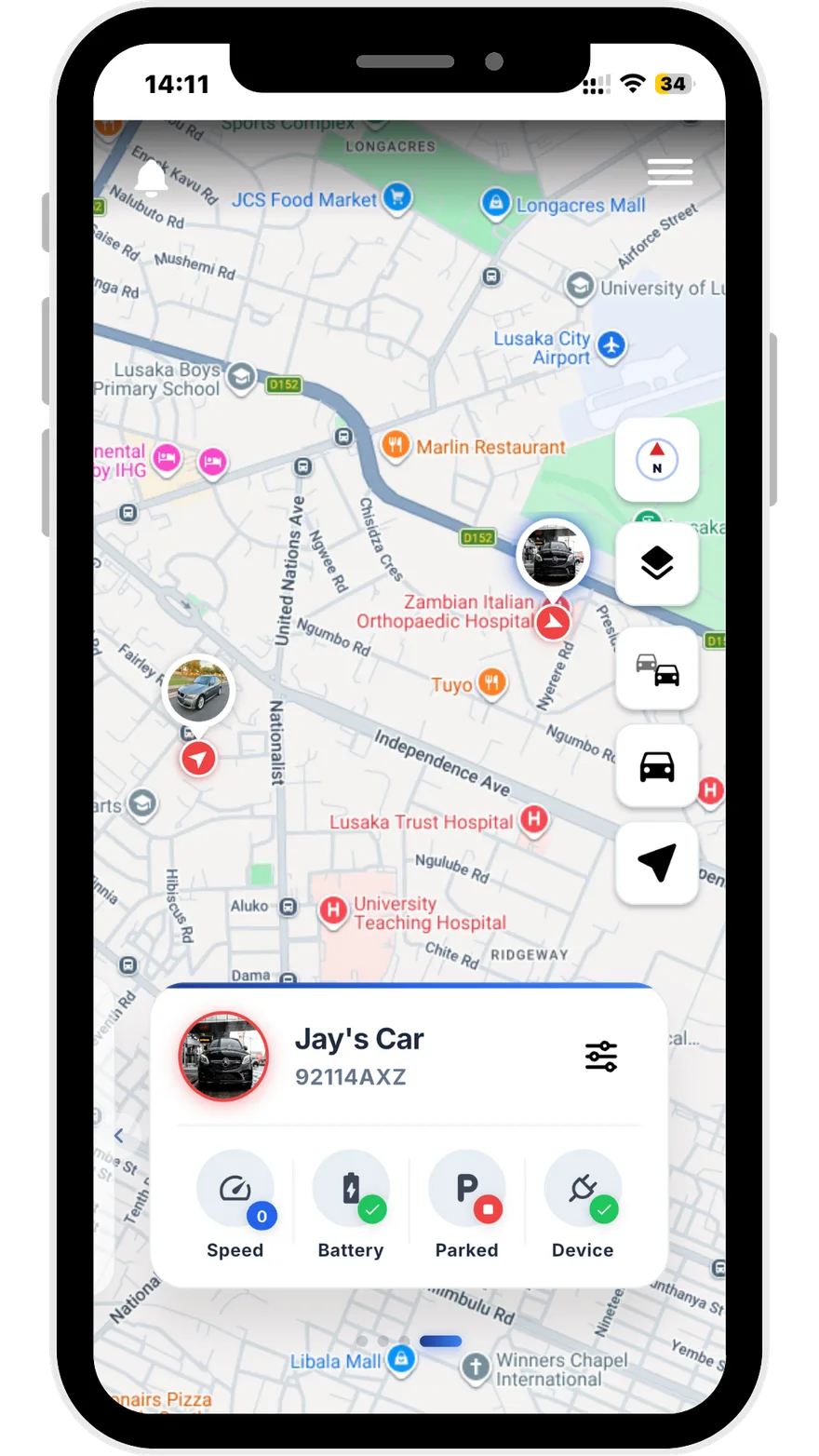
How it works
Three steps. You’re tracking.
- Step 01
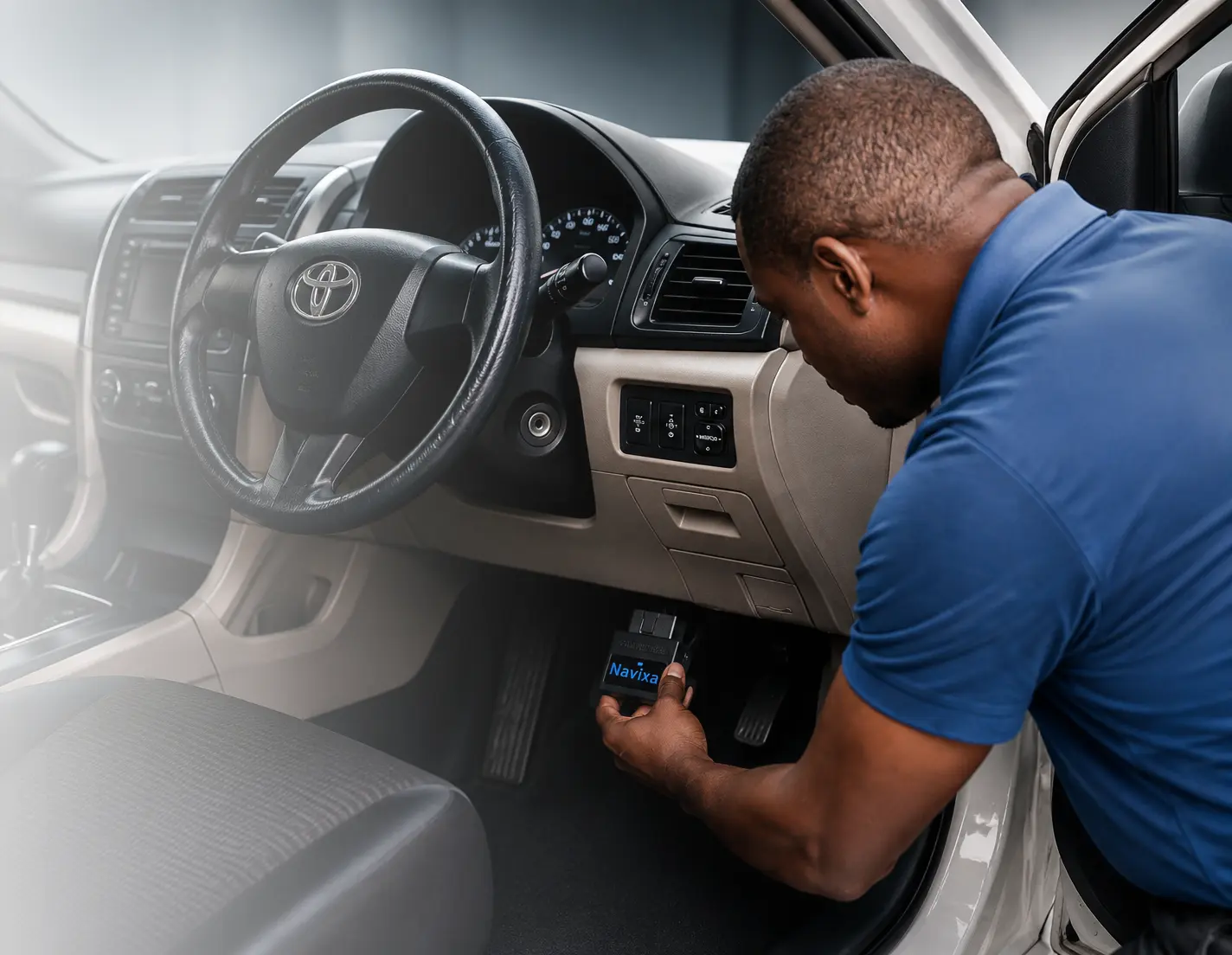
Plug the device into the car.
Insert the tracker into the OBD port. No tools. No wiring.
- Step 02
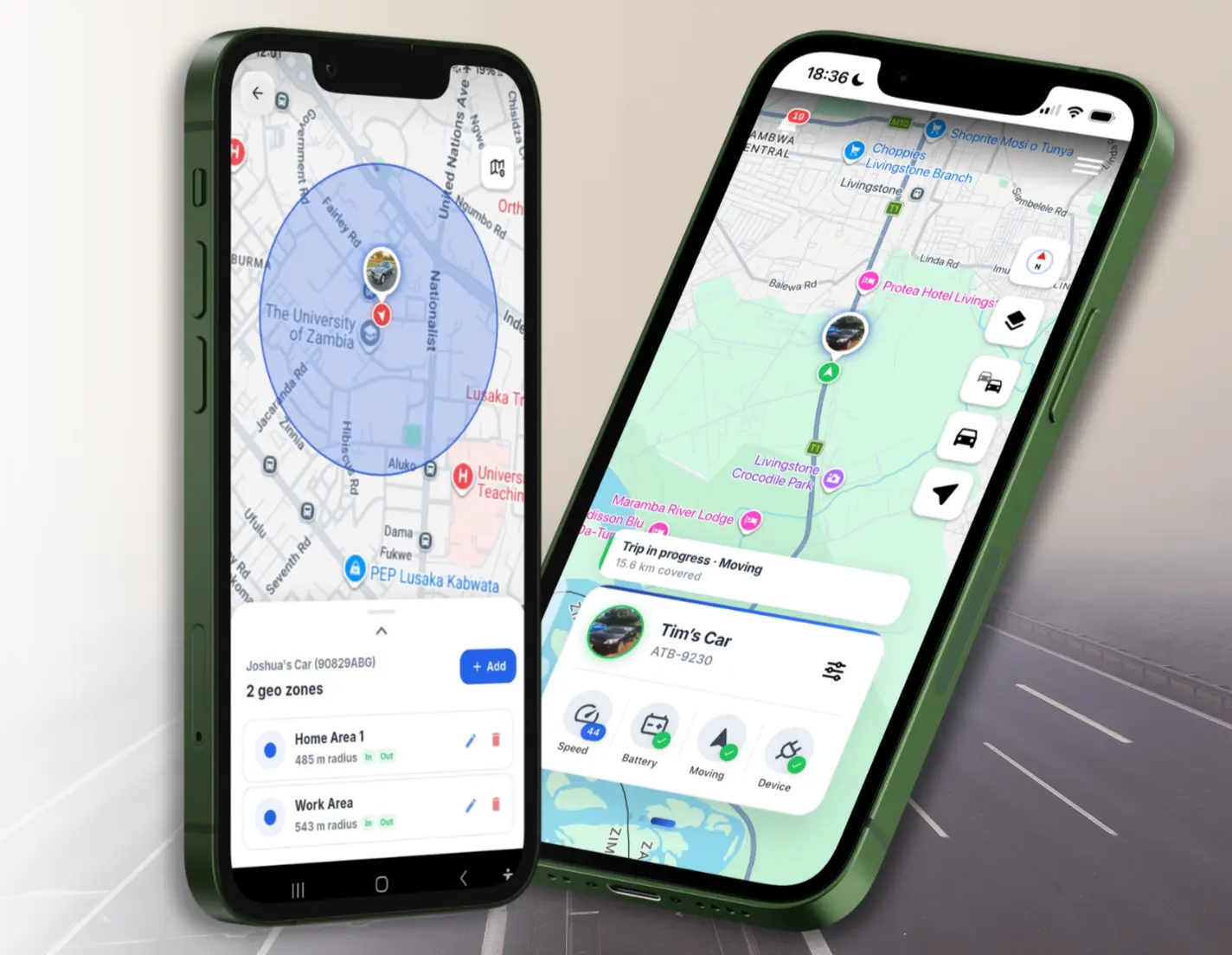
Download the Navixa app.
Sign up in minutes and link your vehicle.
- Step 03
Start driving. You’re tracking.
Live map, trips, and alerts from day one.